
Organize, engage and monetize your event in a single app
Onesight Events brings together schedule, speakers, sponsors, exhibitors, networking, gamification, smart map, access control, ticketing, full profiles, chat, notifications, polls, blog and much more — all running as a PWA with real-time updates.
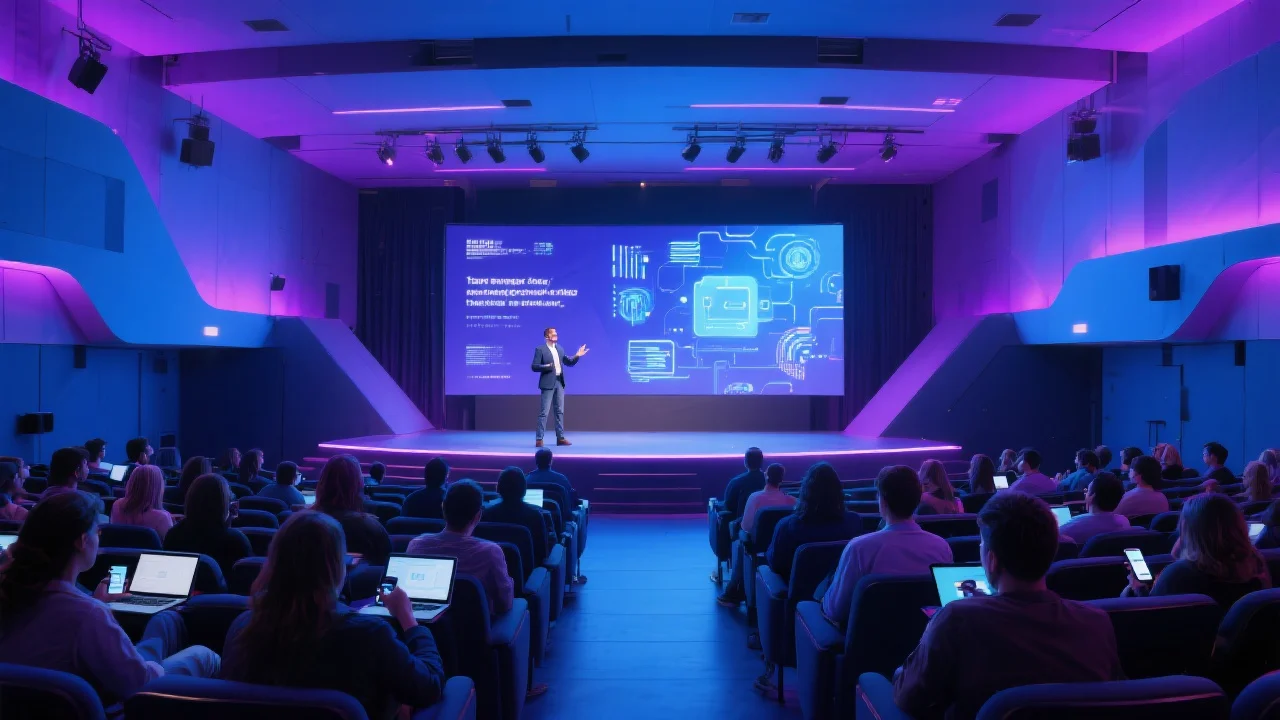









Complete features for your event app
From access control to real-time interactivity — explore everything Onesight Events offers to create an unforgettable experience.
Login & Access
Multiple authentication options for open or closed events.
- Email login
- Facebook / LinkedIn
- Restricted access code
- Login-free or anonymous access
Event Schedule
Full agenda with timetable, reminders and real-time interaction.
- Full agenda with tracks
- My Agenda (personalised)
- Reminders & sharing
- Session ratings & speaker Q&A
Speakers & Attractions
Dedicated profiles with bio, linked sessions and social networks.
- Exclusive speaker profile
- Linked sessions
- Mini bio / CV
- Social networks
Downloadable Materials
PDFs, presentations and videos accessible in the app.
- PDFs and YouTube video links
- Material ratings
- Download access code
Exhibitors
Dedicated pages per exhibitor with tier, social profiles and description.
- Exclusive profiles
- Exhibitor tier
- Social networks & website
- Full description
Sponsors
Premium visibility with profiles and customisable sponsorship tiers.
- Exclusive profiles
- Sponsorship tier
- Social networks & website
- Brand description
Interactivity & Networking
Chat, connections, live polls and segmented push notifications.
- Attendee profiles
- Chat with contact request
- Segmented notifications
- Live interactive polls
Dynamic Map
Interactive navigation with routes and points of interest.
- Draw map with or without background
- Routes between exhibitors & areas
- Key points on the map
Other Features
Videos, WebViews, news feed, multi-language and client panel.
- Social feed & video section
- Unlimited WebViews
- Client panel
- Multi-language support
Create, publish and update your event without friction
In the admin panel you set up the schedule, register speakers, create custom pages, manage sponsors and exhibitors, and send notifications. Everything goes live instantly via PWA — no app store approval needed.
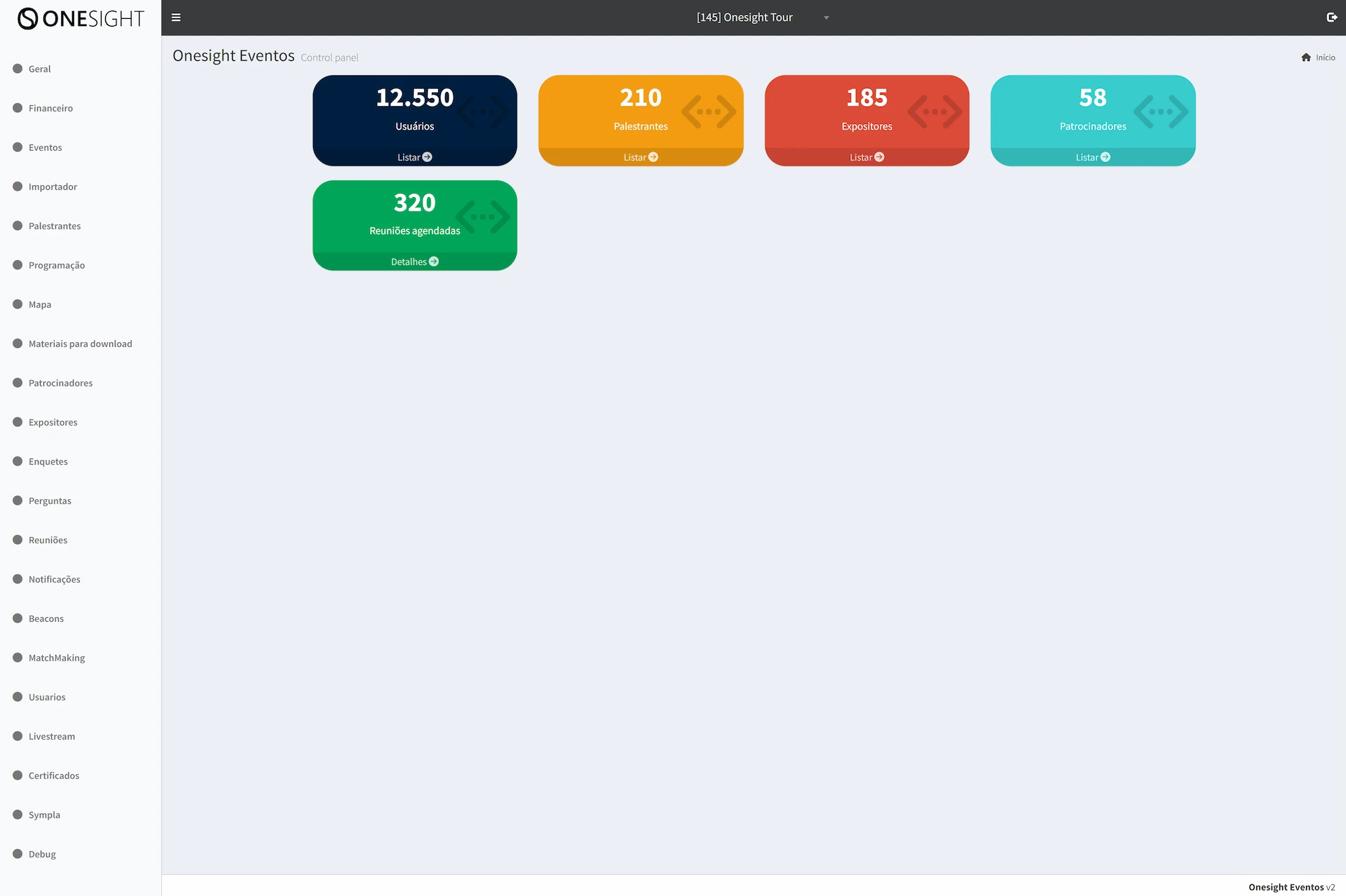
Full control of your event
Make last-minute changes, highlight talks, launch polls, unlock premium content and monitor engagement metrics in real time.
- Instant publishing (PWA)
- Access and credential management
- Reports and lead capture
Results that speak for themselves
"We published our app in one day and updated the schedule live. Attendees loved it."
— Carol S., Event Producer"The networking and gamification features boosted engagement and audience satisfaction."
— Diego M., Marketing Director"The admin panel is simple yet powerful. We captured qualified leads for our exhibitors."
— Ana L., Expo CoordinatorChoose the right plan for your event
Start small and scale as you grow. Dedicated support for events of any size.
Professional
- Exhibitors and sponsors
- Gamification, polls and chat
- Lead capture + reports
Multi-event
- Access control and ticketing
- Smart map and integrations
- Tailored support and SLA
How Onesight Events works
In just three steps your event app is live and running.
1. Build
We create the initial version and tailor the design of your app. After that you can configure the schedule, speakers, sponsors and custom pages yourself.
2. Publish
Your app runs as a PWA — no app store submissions, no rejections, accessible directly via a link.
3. Update
Use the admin panel to edit content in real time, launch polls, send notifications or create gamification challenges.
Frequently asked questions
Do I need to publish on the App Store or Google Play?
No. Onesight Events runs as a PWA accessible via a link, with instant updates and a home-screen install option.
Can I update content in real time?
Yes. Changes made in the admin panel are immediately visible to attendees.
Is there access control and QR Code scanning?
Yes. You can sell tickets, generate QR Code credentials and validate them at the entrance.
Do you offer lead capture for exhibitors?
Yes. Exhibitors collect leads directly in the app and you monitor the reports from the dashboard.
Ready to launch your event app?
Talk to our team and see how Onesight Events can elevate your audience experience.
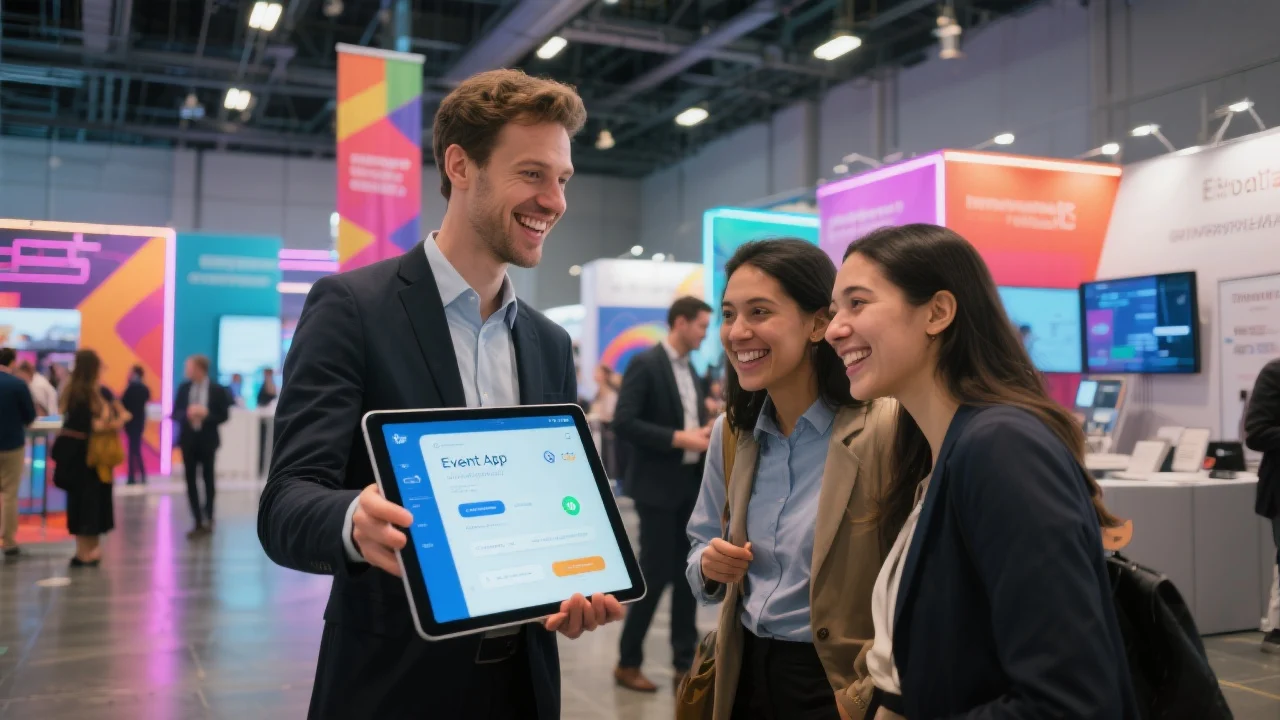
Get in touch
Fill in your details and start a conversation directly on our WhatsApp.